How to Choose the Right Website Builder for Your Business in 2027
Template Details
| Responsive | No |
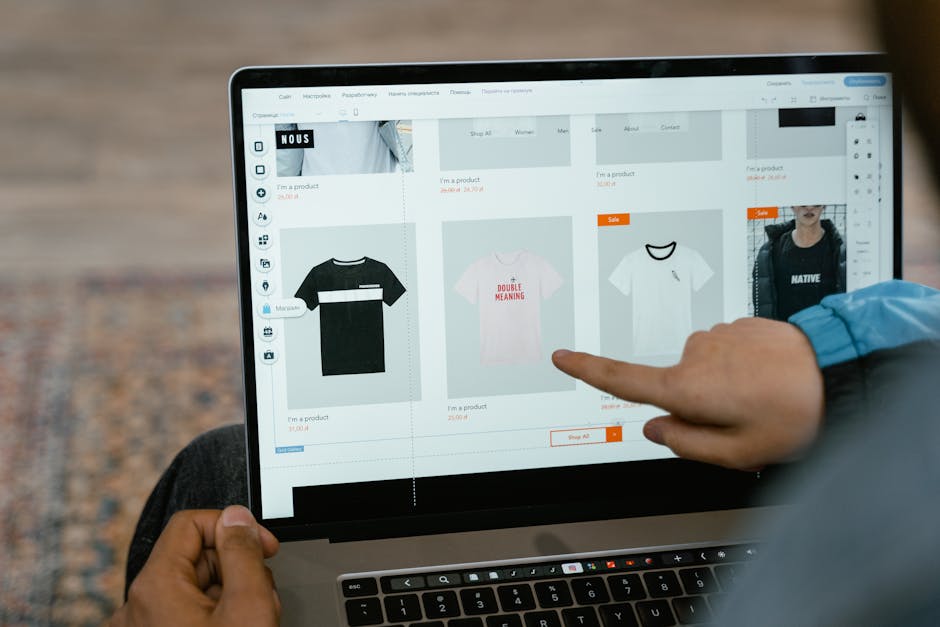
*Photo by MART PRODUCTION on Pexels*
Choosing a website builder is one of the most important decisions you will make for your business. The right choice saves you months of work and thousands of dollars. The wrong choice locks you into a platform that limits growth and charges recurring fees. Here is how to decide which option fits your needs.
## The Three Main Options
Every website building approach falls into one of three categories. Each has trade-offs.
| Approach | Best For | Monthly Cost | Skill Level |
|---|---|---|---|
| HTML/CSS Templates | Anyone who wants full control | $0 (just hosting) | Basic editing |
| Website Builders (Wix, Squarespace) | Non-technical users | $16-$49 | None needed |
| WordPress | Content-heavy sites, blogs | $5-$30 | Moderate |
## Option 1: HTML/CSS Templates
HTML templates are pre-built website files that you edit on your computer and upload to any web host. They give you complete control over design and performance.
Pros:
- No monthly subscription fees — pay once, own forever
- Fastest load times (no builder bloat)
- Full design freedom — change anything in the code
- No platform lock-in — move hosts anytime
- Lighthouse scores of 90+ without optimization
Cons:
- Requires basic file editing skills
- No visual drag-and-drop editor
- You manage updates and backups
HTML templates from pagebuild.store include documentation that walks you through editing, even if you have never touched code.
## Option 2: Website Builders (Wix, Squarespace, Webflow)
Website builders provide drag-and-drop interfaces. You do not need to touch code.
Pros:
- Visual editing — see changes in real time
- Built-in hosting — no separate setup needed
- Customer support handles technical issues
- App marketplaces for adding features
Cons:
- Monthly fees add up ($200-$600 per year)
- Slower load times (builder code bloat)
- Limited customization beyond templates
- Hard to migrate away — you start over if you leave
- SEO limitations compared to custom HTML
Website builders work well for very small sites that do not need to rank high in search results or handle much traffic.
## Option 3: WordPress
WordPress powers over 40% of websites. It is a content management system that offers more flexibility than builders but requires some setup.
Pros:
- Thousands of free and paid themes
- Massive plugin ecosystem
- Built-in blogging and SEO tools
- You own your content and data
- Scales from small blogs to large stores
Cons:
- Requires hosting setup
- Plugin conflicts can break functionality
- Security updates require attention
- Can be slow without optimization
## Performance Comparison
Real-world loading times tested on identical hosting:
| Platform | Load Time | Lighthouse Performance |
|---|---|---|
| Custom HTML Template | 0.8s | 96 |
| WordPress (optimized) | 1.5s | 85 |
| Squarespace | 2.4s | 68 |
| Wix | 2.8s | 55 |
| Elementor (WordPress) | 3.1s | 45 |
The data is clear: HTML templates outperform builders by a wide margin. For a business that relies on search traffic, that speed difference directly affects rankings and revenue.
## What to Do Before You Choose
### Step 1: Define Your Needs
Write down what your website must do:
- How many pages do you need? (5-page brochure vs. 50-page store)
- Do you need a blog? E-commerce? Member login?
- Who will update the site — you or a developer?
### Step 2: Check Your Budget
Factor in both time and money:
- HTML template: $0-$49 one time + $5-$10/month hosting
- Website builder: $16-$49/month ongoing
- WordPress: $5-$30/month hosting + optional premium theme
### Step 3: Consider Future Growth
A site that works for 100 visitors may fail at 10,000. HTML templates and WordPress handle traffic spikes better than hosted builders.
### Step 4: Test Before Committing
Download a free template and try editing it. Most HTML template sites, including pagebuild.store, offer previews and documentation so you can evaluate before deciding.
## Conclusion
For most small businesses in 2027, the best choice is an HTML/CSS template. It costs less, loads faster, ranks higher, and gives you full ownership. Website builders are only better if you absolutely cannot edit a file and need everything handled. WordPress sits in the middle — good for content-heavy sites but overkill for simple pages.
Start with a professional template that matches your business type. Customize it yourself using the included documentation. Launch in hours, not weeks, and keep full control of your online presence.
Browse templates for every business type at pagebuild.store.
*For more website templates, landing pages, and design resources, visit pagebuild.store.*