Best Free Landing Page Templates for SaaS Products and Startups
Template Details
| Responsive | No |
Looking for the best free landing page templates for SaaS products and startups? You need a design that converts visitors into customers—fast. The top free templates prioritize clean layouts, fast loading speeds, and clear call-to-action (CTA) buttons. We’ve curated the most effective options available now, including fully responsive templates from pagebuild.store, to help you launch your next campaign without spending a dime. In this guide, you’ll get actionable picks, a comparison table, and pro tips to maximize conversions.
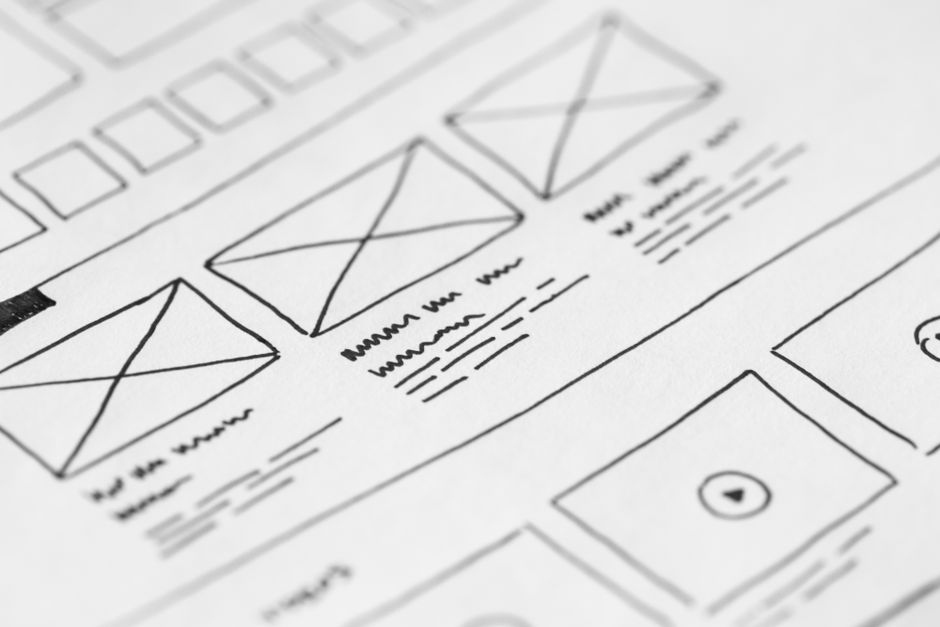
Photo by picjumbo.com on Pexels
## Why Free Templates Work for SaaS and Startups
Free landing page templates save time and money while delivering professional results. For SaaS products and startups, the right template does three things:
- Builds trust with a clean, modern design
- Highlights value through focused content blocks
- Drives action with optimized CTAs
You don’t need a custom design to test your idea—use a proven template and iterate.
## Top 5 Free Landing Page Templates for SaaS
### 1. SaaS Hero – The Conversion-Focused Template
This template features a bold headline, subheadline, and a single primary CTA. It’s ideal for beta launches or waitlist signups.
- Key features: one-column layout, testimonial section, social proof bar
- Best for: early-stage startups
- Download: pagebuild.store
### 2. Startup Launch – Multi-Section Template
Perfect for showcasing multiple features or pricing tiers. It includes a sticky header and smooth scrolling.
- Key features: feature grid, pricing table, FAQ accordion
- Best for: pre-revenue SaaS with multiple value props
- Download: pagebuild.store
### 3. Minimalist Lead Gen – Single-Page Focus
A distraction-free design with a strong form placement. Great for collecting email addresses.
- Key features: centered form, countdown timer, trust badges
- Best for: limited-time offers or free trials
- Download: pagebuild.store
### 4. Product Showcase – Visual Storytelling
This template uses large images and video backgrounds to demonstrate your software in action.
- Key features: video embed, carousel, demo request CTA
- Best for: SaaS with a visual product (e.g., dashboard tools)
- Download: pagebuild.store
### 5. Waitlist Builder – Pre-Launch Hype
Designed to build anticipation before your official release. Includes social share buttons and referral links.
- Key features: countdown, social proof counter, referral widget
- Best for: pre-launch campaigns
- Download: pagebuild.store
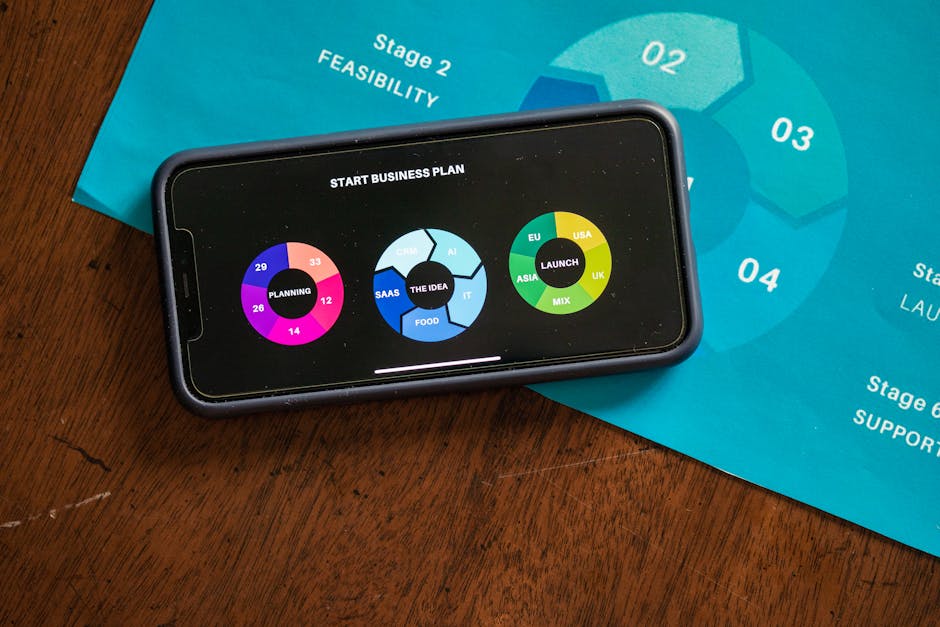
Photo by RDNE Stock project on Pexels
## Comparison Table: Free Templates at a Glance
| Template Name | Best For | Key Feature | Difficulty to Customize |
|---|---|---|---|
| SaaS Hero | Beta launches | Single CTA, testimonial | Easy |
| Startup Launch | Multi-feature SaaS | Pricing table, FAQ | Medium |
| Minimalist Lead Gen | Email capture | Form focus, countdown | Easy |
| Product Showcase | Visual demos | Video, carousel | Medium |
| Waitlist Builder | Pre-launch hype | Referral widget | Easy |
Pro tip: Pick the template that matches your current stage—don’t overcomplicate early tests.
## How to Customize Your Free Template for Maximum Conversions
### Step 1: Refine Your Headline
Your headline must state the single benefit your SaaS offers. Example: “Automate Invoices in 5 Minutes” beats “Powerful Billing Software.”
- Keep it under 10 words
- Use active voice
- Test with tools like CoSchedule’s headline analyzer
### Step 2: Optimize Your CTA Button
The CTA should be action-oriented and specific. Avoid generic “Submit” or “Click Here.”
- Bad: “Get Started”
- Good: “Start Your Free Trial Today”
Use contrasting colors—green or orange buttons often outperform blue. Place the CTA above the fold and repeat it once below.
### Step 3: Add Social Proof Elements
Include at least one of these to build trust:
- Customer testimonials with names and photos
- Logos of companies that use your product
- User count (e.g., “Join 10,000+ happy users”)
### Step 4: Simplify the Form
Long forms kill conversions. Ask for only essential fields—name and email are often enough.
- Remove optional fields
- Use placeholder text for clarity
- Add a privacy link near the button

Photo by Markus Winkler on Pexels
## Common Mistakes to Avoid with Free Templates
Even the best free templates fail if you make these errors:
- Too many CTAs: Stick to one primary action per page
- Slow loading: Compress images and use lazy loading
- Ignoring mobile: Test on phones—most traffic comes from mobile
- Weak copy: Avoid jargon; speak directly to user pain points
Actionable tip: Use Google’s PageSpeed Insights to check your template’s performance. Aim for a score of 90+.
## Where to Find More Free Templates
While this list covers top picks, you can explore hundreds more at pagebuild.store. The site offers:
- Curated collections for SaaS, startups, and ecommerce
- Responsive designs that work on all devices
- Easy downloads with clear licensing terms
New templates are added weekly, so check back often for fresh options.
## Conclusion: Launch Faster with Free Templates
Free landing page templates give SaaS products and startups a head start without breaking the budget. Choose a design that aligns with your goal—whether it’s collecting emails, showcasing features, or building hype. Customize it with a strong headline, clear CTA, and social proof to boost conversions. Then test and iterate based on real data.
Ready to launch your next campaign? Visit pagebuild.store now to download free, high-converting landing page templates. No credit card required—just pick your design and start building.